Turnip Icons: Simple and Clean Icon Design for Every Project
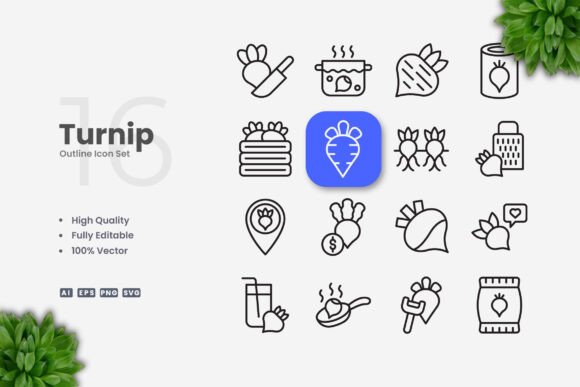
Turnip Icons is a thoughtfully crafted icon set built around simplicity, clarity, and versatility. Each icon is designed with clean lines, minimal detail, and a consistent visual language that works equally well on websites, mobile apps, books, social media graphics, infographics, flyers, print materials, banners, posters, and many other projects. Because the icons are fully vector, they remain sharp at any size, and you can change colors, adjust stroke weights, or resize them in seconds using vector software such as Adobe Illustrator or CorelDRAW.
Whether you are building a brand identity, creating educational materials, or designing a quick flyer for a local event, having a reliable set of icons that you can adapt without extra effort saves time and keeps your work cohesive. Turnip Icons aims to fill that need with a straightforward, no‑fuss collection that puts flexibility and quality first.
Why Turnip Icons Appeals to Creators and Designers
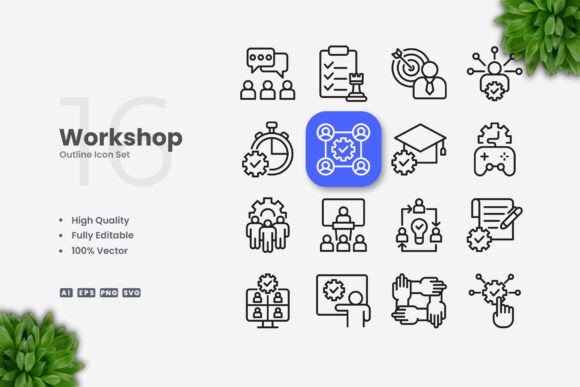
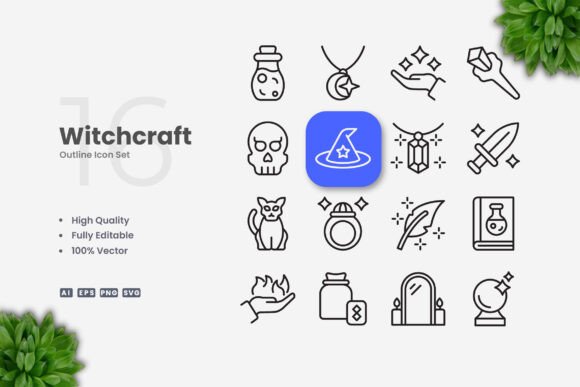
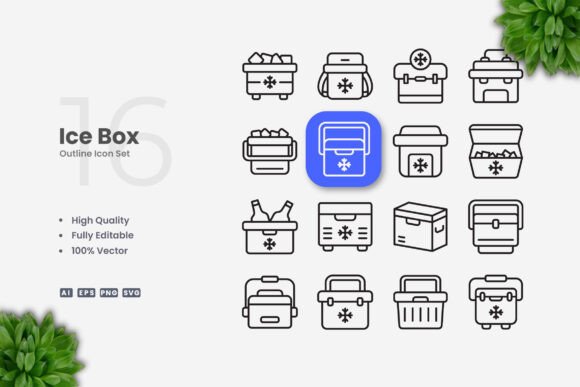
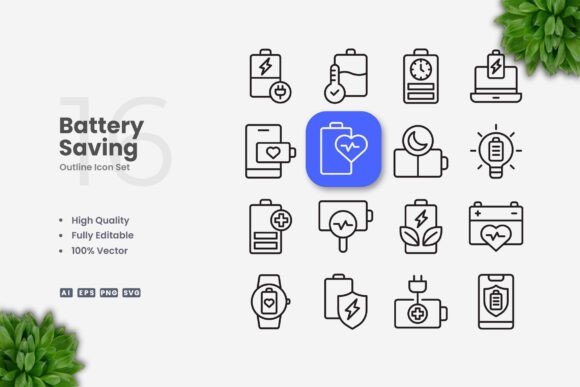
For graphic designers, illustrators, and other creative professionals, icon sets are tools that must meet high standards. You need consistency across the set, clean geometry, and enough flexibility to match a specific project style. Turnip Icons delivers on these points with 100 vector icons that share a uniform line weight and balanced proportions. The editable stroke is a standout feature: you can thicken or thin lines to align with your brand’s typography or other visual elements, all without redrawing anything.
If you work on client projects, the ability to deliver icons that are 100% customizable means you can adapt them to different brand guidelines quickly. For example, a designer creating a mobile app interface might need icons that fit both light and dark modes. With Turnip Icons, you simply change the stroke color and fill in Illustrator or CorelDRAW, and the rest of the composition stays intact. Similarly, a freelancer producing a set of social media templates can use the same icons across multiple platforms, resizing them without worrying about pixelation or detail loss.
Practical Example for a Freelance Web Designer
Imagine you’re building a landing page for a small business. You need icons for features like “fast shipping,” “secure payments,” and “customer support.” Turnip Icons gives you a clean shopping cart, shield, and headset in a consistent style. You import the SVG files directly into your design tool, adjust the stroke to match the site’s line art, and apply the brand color. Because the icons are vector, they look crisp on retina displays and print just as well for a brochure the client may order later. The whole process takes minutes rather than hours.
Practical Benefits for Marketers and Small Business Owners
Marketers and small business owners often need professional visuals but may not have deep design skills or a large budget for custom iconography. Turnip Icons offers a cost‑effective solution: one purchase gives you a complete set that you can reuse across many materials. You can drag and drop the PNG files into a flyer template or insert the SVG icons directly into a presentation. The included source files (AI and EPS) let you open the icons in vector software and change colors to match your brand palette.
If you’re preparing a series of social media posts, you can use the same set of icons to maintain visual consistency across posts about different topics. For instance, use a leaf icon for sustainability content, a gear icon for product features, and a person icon for team highlights. Because the icons are simple and clean, they don’t distract from your message and work well with text overlays. For printed materials like banners and posters, the vector files ensure that icons remain sharp even when scaled to large dimensions.
Example for a Small Business Owner Creating a Flyer
You run a local bakery and want to create an A5 flyer announcing a weekend special. You have no design background but know how to use a basic flyer template. Turnip Icons includes a cupcake icon, a coffee cup, and a star – all in a clean style that fits a warm, inviting look. You open the EPS file in CorelDRAW, change the colors to match your logo (a soft peach and dark brown), adjust the stroke weight slightly to make them more prominent, and then copy them onto your flyer. The result looks polished and consistent, and you didn’t have to hire a designer or spend hours learning new software.
How Educators and Publishers Can Use Turnip Icons
Teachers, online course creators, and publishers often need clear, unambiguous icons that communicate ideas quickly. Turnip Icons are designed with simplicity in mind: no excessive shading, no unnecessary detail that might confuse learners. The icons work well in worksheets, lesson slides, e‑books, and infographics. Because they are vector, you can scale them for projection screens without degradation, and you can combine them with other visual elements without style clashes.
For an educator creating a digital workbook, you might use a book icon for reading sections, a lightbulb for key ideas, and a checkmark for exercises. The editable stroke lets you adjust the line thickness to match the overall worksheet aesthetic – perhaps thinner and more elegant for a high school handout, or thicker and bolder for early elementary materials. The SVG files can be inserted into presentation software or learning management systems directly, and the PNG transparency ensures no white background boxes appear.
Example for a Textbook Publisher
A publisher working on a children’s science book needs icons for experiments, tools, and safety symbols. They choose Turnip Icons because of the clean, friendly style that appeals to young readers. The vector files allow the layout team to resize icons for different placements – small in margin notes, larger as chapter markers – while maintaining sharpness in print. The editable stroke is also useful for adjusting icon weight to suit the book’s line‑art illustrations. Because the icons are royalty‑free with the purchase, the publisher can use them in commercial products without additional licensing fees.
What Beginners and Hobbyists Should Know
If you are new to design or just starting to build a personal blog, portfolio, or small project, Turnip Icons offers an accessible entry point. You do not need advanced software skills to use the PNG files – simply drag them into your document and they work immediately. For those who want to learn basic vector editing, the SVG and AI files are a great way to practice changing colors and strokes in programs like Illustrator or even free alternatives like Inkscape.
Beginners often worry about making icons that look homemade or mismatched. Turnip Icons eliminates that concern by providing a professionally designed set where all icons share the same visual language. You can focus on your content and layout, knowing the icons will add a consistent, polished look. For a hobbyist creating a recipe blog, you might use icons for ingredients, utensils, and cooking methods. Because you can edit them, you can match the brand colors of your site without any design friction.
Key Features That Make Turnip Icons Stand Out
- High Quality Design – Every icon is carefully drawn with clean lines and balanced proportions.
- 100 Vector Icons – All icons are vector based, so they scale from favicon size to billboard size without losing quality.
- 100% Customizable – Change colors, strokes, and shapes to fit your project.
- Editable Stroke – Adjust line weight easily in vector software, a major time‑saver for designers.
- Easy Drag and Drop – PNG files are ready to use immediately; no extra steps required.
- Files Included: Source file in Ai, EPS version 10, SVG file, and PNG with transparency. A Readme.txt provides quick instructions.
Note that the preview mockup shown on store pages is not included – you receive the icon files themselves. This is standard for icon bundles, and the included files are all you need to start using Turnip Icons in your own projects.
How to Decide If Turnip Icons Matches Your Needs
Consider your project type and your comfort level with design tools. If you produce a high volume of visual content for websites, social media, or marketing materials, the speed and consistency of a ready‑to‑use icon set will save you significant time. If you value the ability to customize icons without starting from scratch, the editable vector files and stroke control are especially valuable.
For professionals who work with clients, Turnip Icons can serve as a reliable base set that you expand upon or modify per project. For educators and publishers, the clarity and scalability of the icons make them a practical choice for both digital and print. Beginners and hobbyists will appreciate the low barrier to entry – you can use the PNGs immediately and gradually learn to edit the vector files as your skills grow.
Ultimately, Turnip Icons fits best when you need a straightforward, clean icon set that you can adapt across many formats without extra cost or complexity. It prioritizes flexibility, quality, and ease of use over flashy or decorative styles. If your projects align with that approach, Turnip Icons is likely a strong match.